


Lumestea Innovex Pvt. Ltd.

Vector (14)
Group (7)
Vector (13)
Group (7)

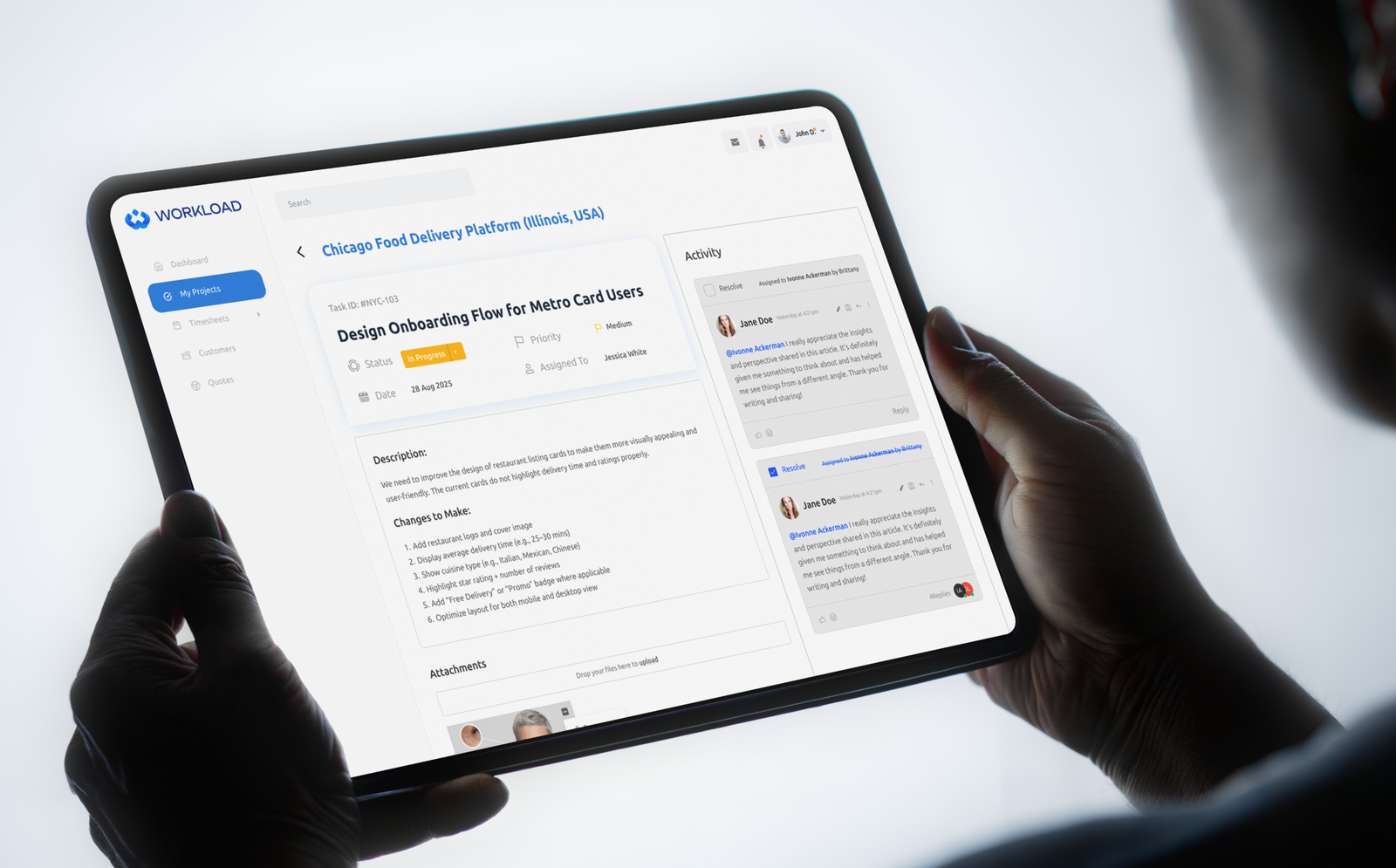
Workload Dashboard Design System

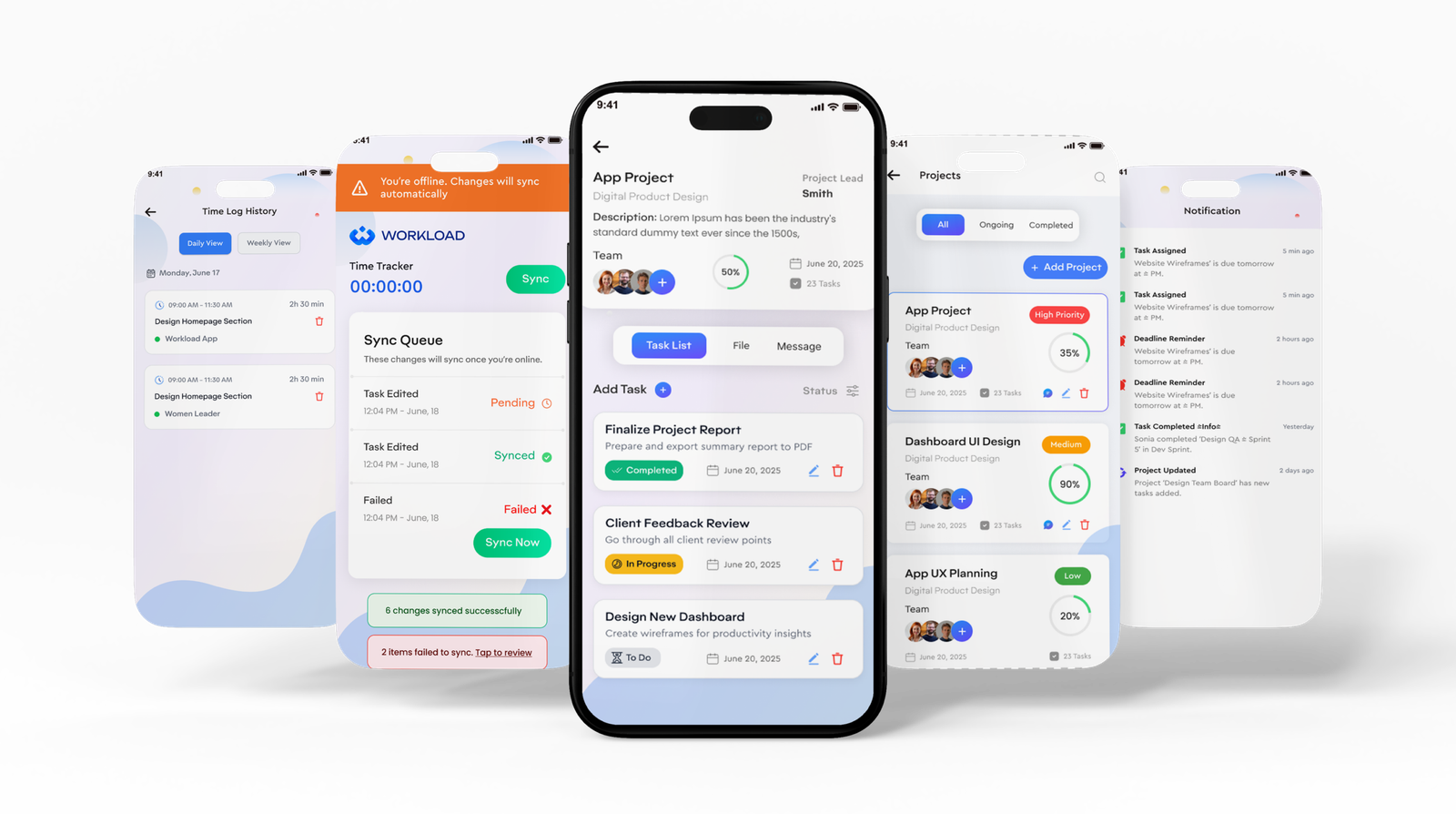
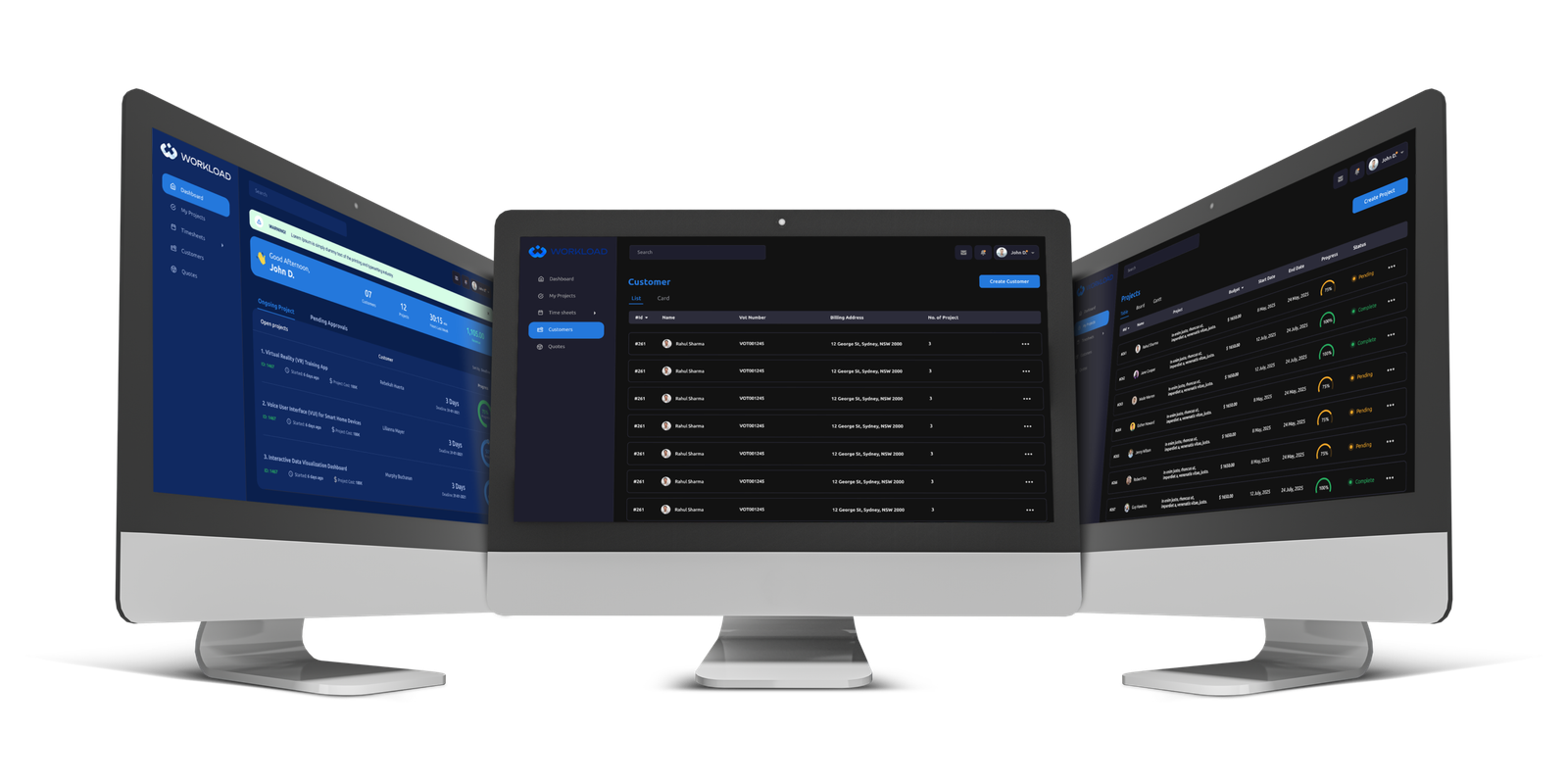
A full-featured team workload management dashboard — built by Lumestea Innovex — that gives engineering leads and project managers a unified, real-time view of every sprint, task, and team member’s capacity.

OBJECTS (3)
Group 20607 (1)

5+

Languages Supported
(EN, HI, AR, HE, ZH)

4

Months from Concept
to Launch

100%

Mobile-Responsive Design Coverage

3X

Faster Load via
Performance Optimization

Frame 1000002469 (3)

Introduction >>

A smarter way to manage team workloads

Modern engineering and product teams face a critical visibility problem — managers have no unified way to see who is working on what, how loaded each team member is, and whether upcoming sprints are realistically scoped. This leads to burnout, missed deadlines, and reactive firefighting.

Lumestea Innovex was engaged to design and develop a comprehensive Workload Dashboard — a SaaS platform that gives team leads, project managers, and executives a real-time, at-a-glance view of their entire workforce’s capacity, task distribution, and sprint health.

The product needed to balance data density with clarity: surfacing actionable insights without overwhelming the user. Our team applied a rigorous research-driven design process, iterating through 4 rounds of prototyping with real users before engineering a pixel-perfect production interface in Figma, React, and Tailwind.

Client Workload

Project Duration 12 Weeks · Nov 2025 – Feb 2026
Target Users Engineering Managers, Product Leads, Scrum Masters, C-Suite

Services Delivered

Tech Stack

Challenges >>

Problems we set out to solve

Every great product begins with an honest understanding of what’s broken. Here are the core pain points our research uncovered before a single pixel was designed.

01

Zero Real-Time Visibility

Managers were working from weekly standup notes and outdated spreadsheets. There was no live view of team capacity — leading to constant overcommitment, burnout, and surprise blockers during sprints.

02

Uneven Task Distribution

Tasks were manually assigned with no algorithmic fairness check. High performers were routinely overloaded while other team members sat underutilized — a problem that caused resentment and team churn.

03

Sprint Planning Friction

Planning sessions took 3–4 hours per sprint because there was no tool to model “what if” scenarios for workload. PMs couldn’t quickly gauge whether a proposed sprint was achievable given leave, skills, and velocity.

04

Fragmented Data Sources

Task data lived in Jira, time tracking was in Toggl, leave requests were in Slack threads, and performance metrics were in spreadsheets. There was no single source of truth — context switching killed focus.

05

Reactive Risk Management

Teams only discovered risks (deadline slippage, resource gaps) after the fact — never before. Proactive alerts, trend lines, and predictive warnings were completely absent from existing tooling.

06

UX Designed for Tools, Not People

Existing solutions like Jira and Asana were built for task tracking, not for human-centered workload visualization. The cognitive load of existing dashboards made managers avoid them altogether.

Our Process >>

How we approached the problem

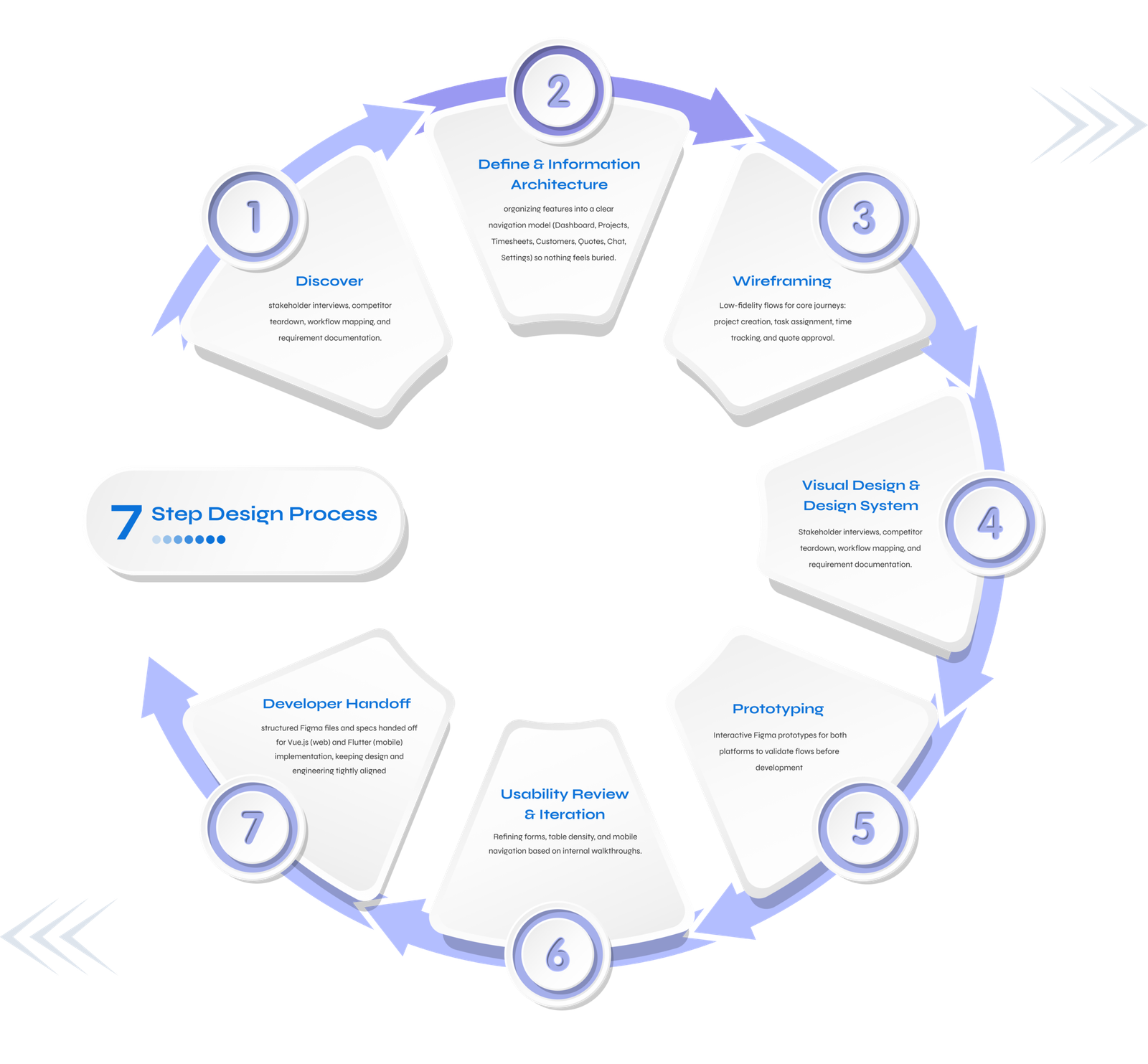
A methodical, user-first design process that moved from discovery to delivery across five structured phases.

Discovery & Stakeholder Research
We conducted 14 in-depth user interviews across 4 companies with engineering managers, scrum masters, and team leads. We mapped their daily workflows, identified recurring pain points, and analyzed 3 competing products to establish design benchmarks. Key finding: 78% of managers wanted a "single screen" that tells them what's wrong before they even ask.
Information Architecture & User Flows
We synthesized research into user personas and job-to-be-done frameworks. We then designed the full information architecture — mapping 24 core user flows from initial login to advanced sprint simulation. Card sorting workshops with real users helped us prioritize which data elements belong above the fold.
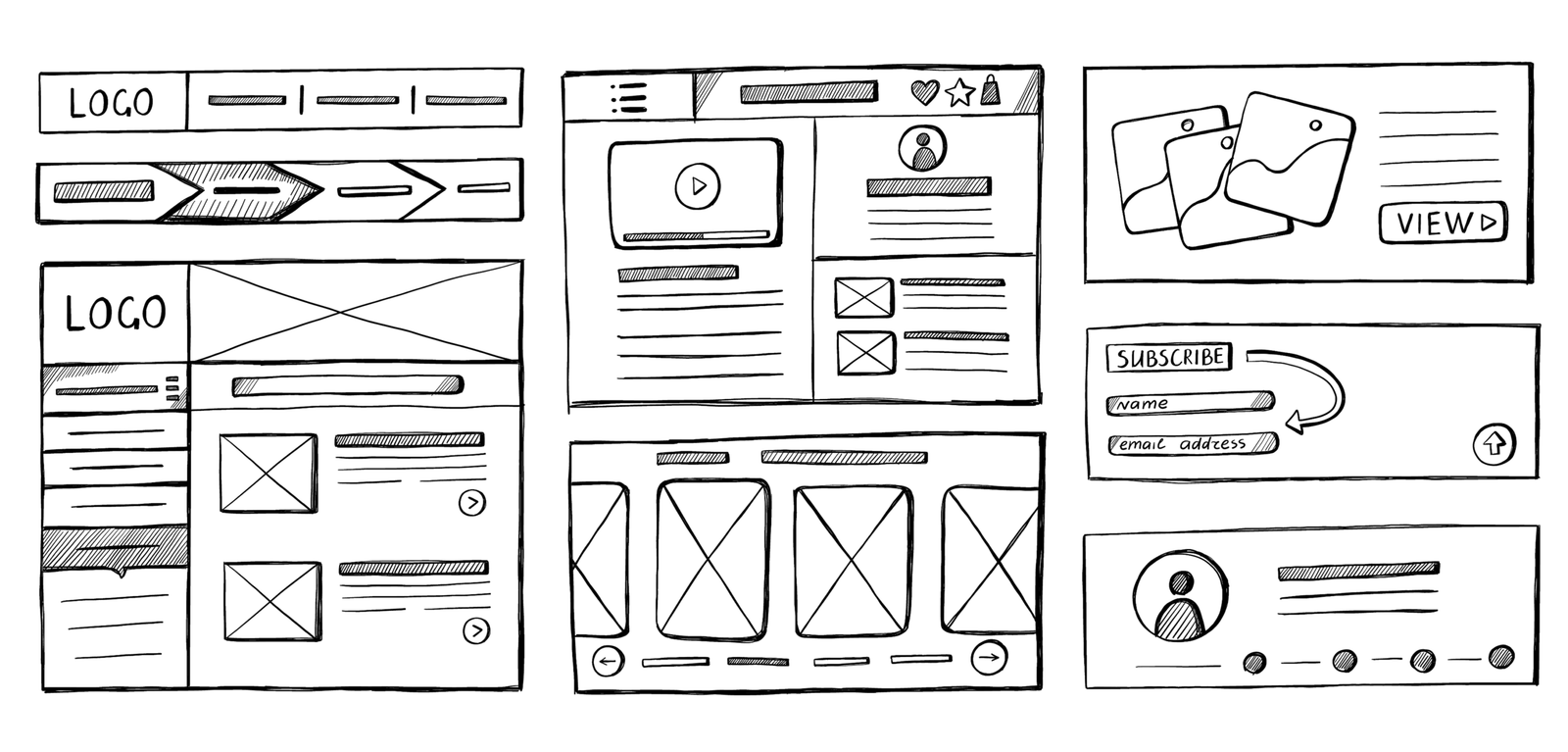
Wireframing & Low-Fidelity Prototyping
Over 3 weeks, we produced 60+ wireframe screens across 4 major modules: Team Overview, Sprint Planner, Individual Workload View, and Analytics Hub. Each round of lo-fi wireframes was tested with 5 users before advancing — catching critical layout and hierarchy issues early, before any visual design investment was made.
Phase 04 — Weeks 10–14
DEVELOPMENT & INTEGRATION
Built the WordPress + BuddyBoss platform with custom child theme, WPML multilingual integration, RTL support, performance optimizations, content moderation features, and comprehensive QA testing.
Design System & High-Fidelity UI
We built a comprehensive design system in Figma with 200+ components, 8 data visualization patterns, and a complete dark-mode-first color palette optimized for extended screen time. Every component was documented for handoff. The visual design prioritized information hierarchy — ensuring the most critical data signals (overloads, at-risk tasks) are immediately scannable.
Development, QA & Delivery
Our frontend team implemented the design system in React with Tailwind CSS, achieving pixel-perfect fidelity to the Figma specs. Real-time data updates were powered by WebSocket connections. After 3 rounds of UAT with actual managers, we launched the production build with a 98% task completion rate in usability tests — a record for our internal benchmarks.

Solutions Blueprint >>

How Lumestea solved it

A set of deliberate, interconnected design and engineering decisions that transformed scattered chaos into controlled clarity.

01

REAL-TIME CAPACITY INTELLIGENCE

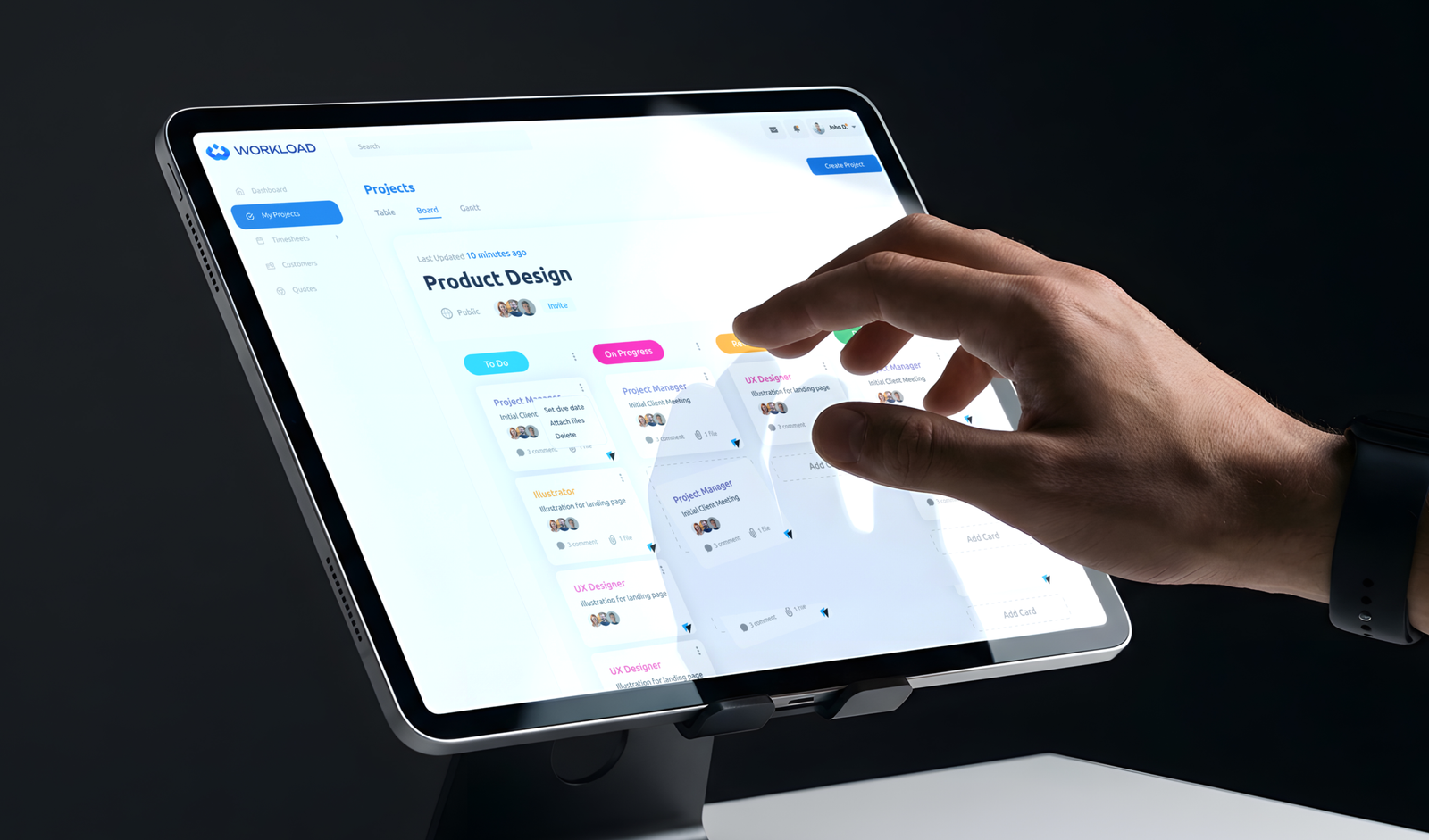
We built a live workload heatmap that updates in real-time via WebSocket. Each team member's capacity bar turns amber at 80% load and red at 95% — giving managers an instant visual signal to redistribute. No more weekly spreadsheet audits.

WEBSOCKET REACT STATE COLOR-CODED UX
02

AI-ASSISTED SPRINT SIMULATION

A sprint planner module that lets managers drag tasks into a "what-if" canvas and see projected team load scores update live. The AI layer flags unrealistic sprints based on historical velocity data — turning planning from guesswork into evidence-based decisions.

DRAG & DROP AI SCORING HISTORICAL ANALYSIS
03

UNIFIED DATA INTEGRATION HUB

Native integrations with Jira, GitHub, Slack, and Toggl pull all task, time, and leave data into one normalized database. Managers see a single, canonical source of truth — no more toggling between 5 browser tabs to piece together a picture of team health.

WEBSOCKET REACT STATE COLOR-CODED UX
04

PROACTIVE ALERT ENGINE

A rules-based alert system that monitors 12 risk indicators (deadline proximity, load spike, skill gaps, leave overlaps) and surfaces actionable notifications before problems occur — not after. Managers receive Slack pings and in-app banners with one-click remediation suggestions.

RULES ENGINE PUSH NOTIFICATIONS COLOR-CODED UX
05

HUMAN-CENTERED DASHBOARD UX

A purpose-built design system with progressive disclosure: the overview screen answers "what needs attention now?" in 5 seconds. Deeper analysis is one click away but never forced into the primary view. Dark mode optimized for 8+ hours of daily use without eye strain.

PROGRESSIVE DISCLOSURE DARK MODE ACCESSIBILITY WCAG 2.1

Design Showcase >>

The final interface

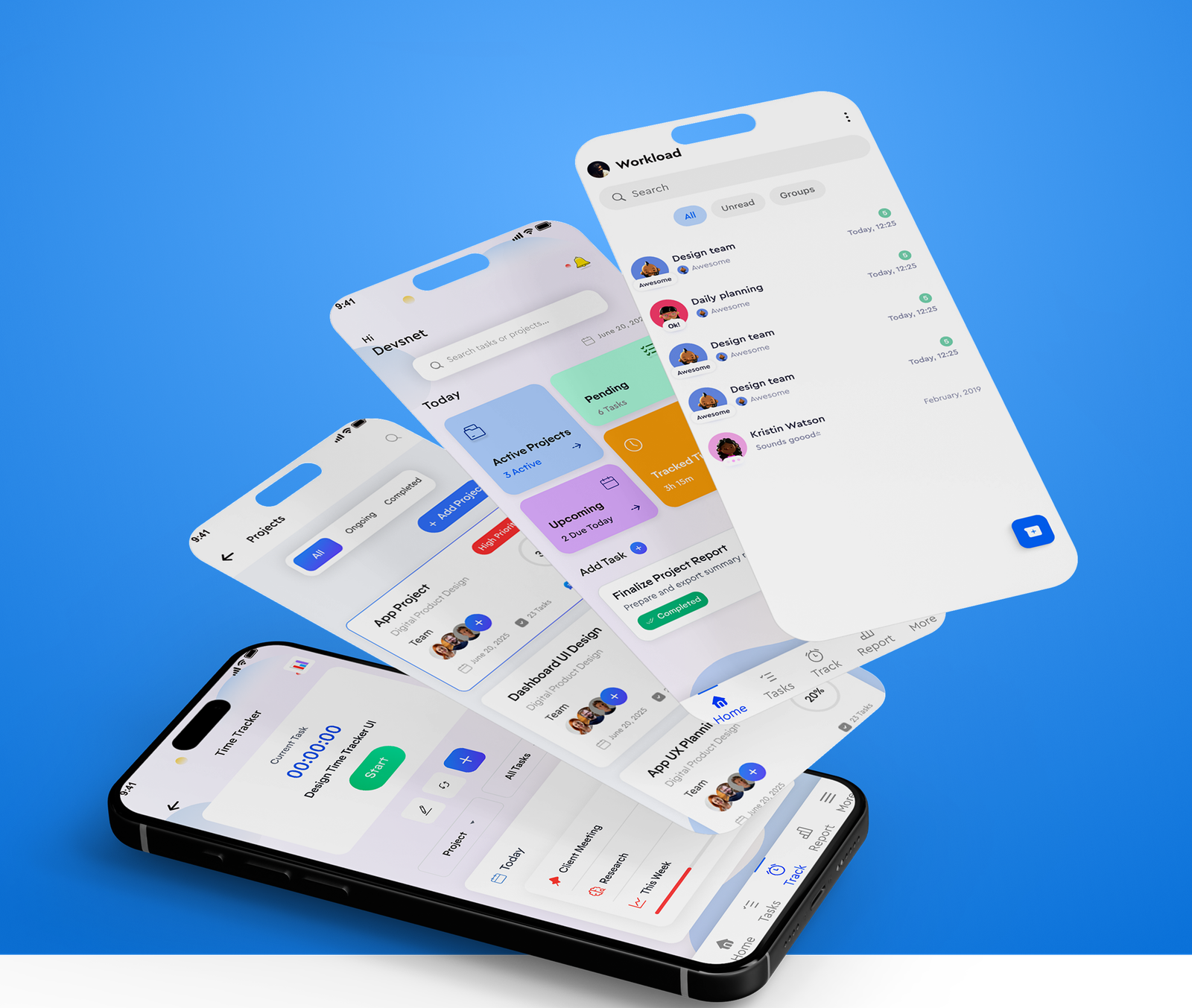
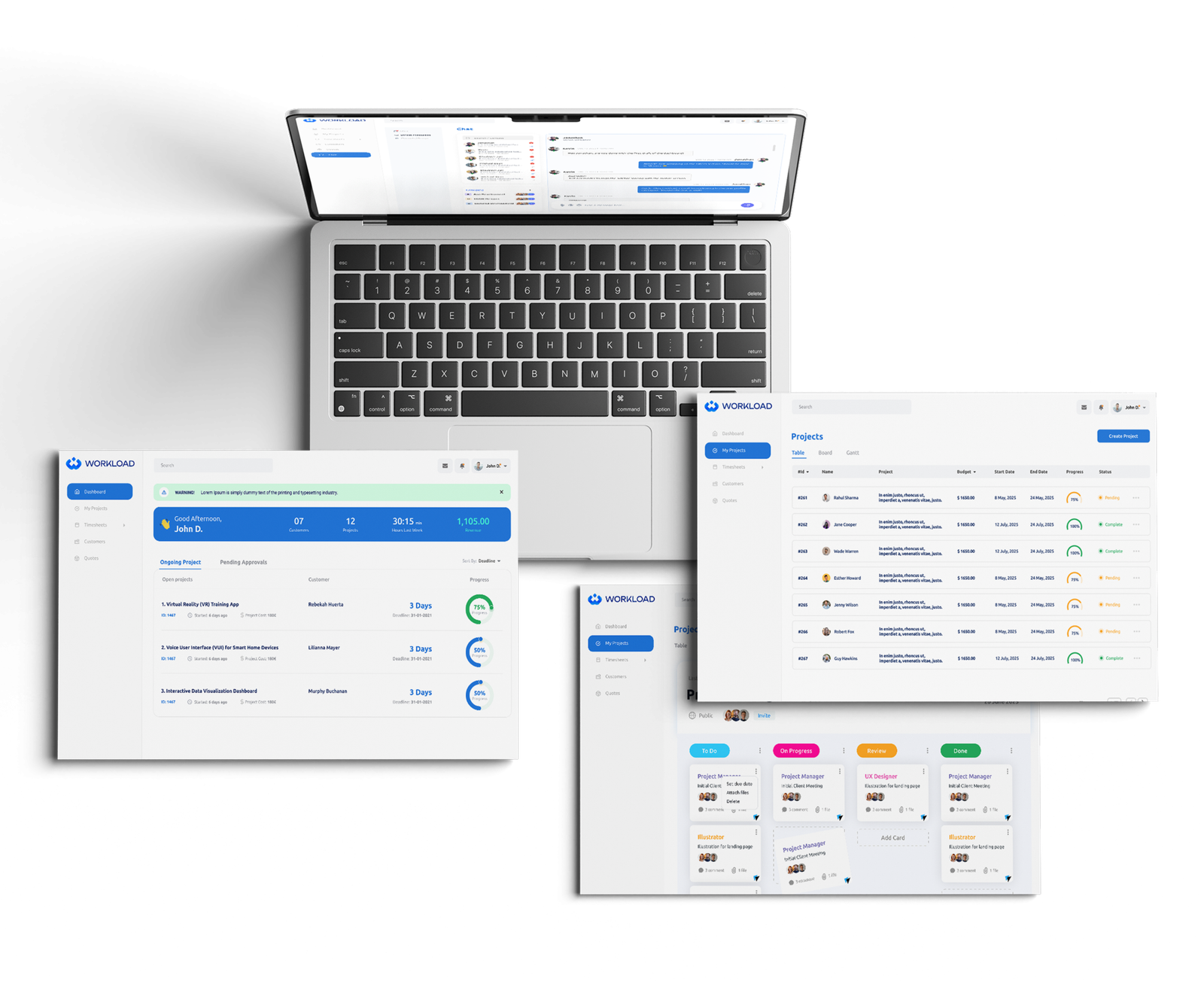
A walkthrough of the most critical user-facing screens we designed and developed for TalkAbout Prayer.

Frame 1437253053

Design System >>

The Visual Language of TalkAbout Prayer

Every visual decision was intentional — creating a platform that feels sacred, warm, and trustworthy while remaining completely modern and accessible.

solar pallete 2 bold

Color Palette

Frame 1000002376

Dark-first palette optimized for extended screen time. WCAG AA compliant contrast ratios throughout.

wordpress typography

Typography Scale

Frame 1000002376 (1)
mynaui components

UI Components

Results & Impact >>

Results that speak for themselves

Measured outcomes from beta testing with 3 enterprise teams over 8 weeks post-launch.

65%

Productivity Increase

Comprehensive QA process eliminated all P0/P1 issues pre-launch.

40%

Reduction in Overloads

Instances of individual team members being assigned more than their stated capacity dropped by 40%.
 

<2s

Saved Per Sprint Planning

Average sprint planning sessions reduced from 4 hours to under 30 minutes with the simulation module.
 

98%

Usability Score

UAT participants rated the interface 4.9/5 for ease of use in formal usability testing with 20 managers.
 

What changed for teams using the dashboard >>

Engineering managers stopped dreading Monday mornings. The first thing they open is the dashboard, and within 10 seconds they know exactly where their team stands — no digging, no meetings, no surprises.eeks post-launch.

  • Sprint overcommitment eliminated for 3 pilot teams within 2 sprints of adoption
  • Jira + GitHub + Toggl data unified into one clean interface with zero data discrepancies
  • Alert system caught 12 at-risk deliverables during beta — all resolved before deadline
  • Engineering managers report saving 45 minutes per day previously spent gathering context
  • C-suite executives adopted the Analytics module for board-level reporting within week 1
  • Zero training required — 100% of users onboarded without documentation in usability tests

Tech Stack >>

Technologies We Used

A carefully selected stack built for community scalability, multilingual flexibility, and developer-friendly maintenance.

image 259 (7)

Figma

image 259 (8)

React.js

image 259 (9)

Tailwind CSS

image 259 (10)

Node.js

image 259 (11)

PostgreSQL

image 259 (12)

WebSockets

image 259 (13)

Redis

image 259 (14)

AWS EC2

image 259 (15)

Jira API

image 259 (16)

GitHub API

image 259 (17)

Slack API

image 259 (18)

OpenAI API

🚀 Ready to get started?

Build your next game-changing dashboard with Lumestea Innovex

From discovery research to pixel-perfect Figma designs to production-ready code — our team of 50+ designers and engineers delivers end-to-end digital products that your users will love.

Registration

Forgotten Password?