

Top DevOps Tools and Technologies for Efficient, Streamlined Software Development (2026 Guide)
Top DevOps Tools and Technologies for Efficient, Streamlined Software Development (2026 Guide)
 lumestea

Summarize with AI
Not enough time? Get the key points instantly.


Table of Contents
Why DevOps Is Critical for Modern Development
Key DevOps Tools for Streamlined Development
- 1) Git (and GitHub/GitLab/Bitbucket)
- 2) Jenkins / GitHub Actions / GitLab CI
- 3) Docker
- 4) Kubernetes
- 5) Ansible
- 6) Prometheus + Grafana
Advanced DevOps Technologies for Future-Ready Teams
- 1) Terraform
- 2) Istio
Benefits of Adopting DevOps Tools and Technologies
How to Choose the Right DevOps Tool Stack
Conclusion
Many organizations report faster delivery after adopting DevOps practices—because automation, monitoring, and CI/CD reduce manual steps and shorten feedback loops.
In this guide, we’ll break down the most important DevOps tools (from version control to monitoring), what each tool does, and how to choose the right stack for your business.
Why DevOps Is Critical for Modern Development
DevOps is both a culture and a set of practices that bring development and operations teams together across the full software lifecycle—planning, building, testing, releasing, monitoring, and improving.

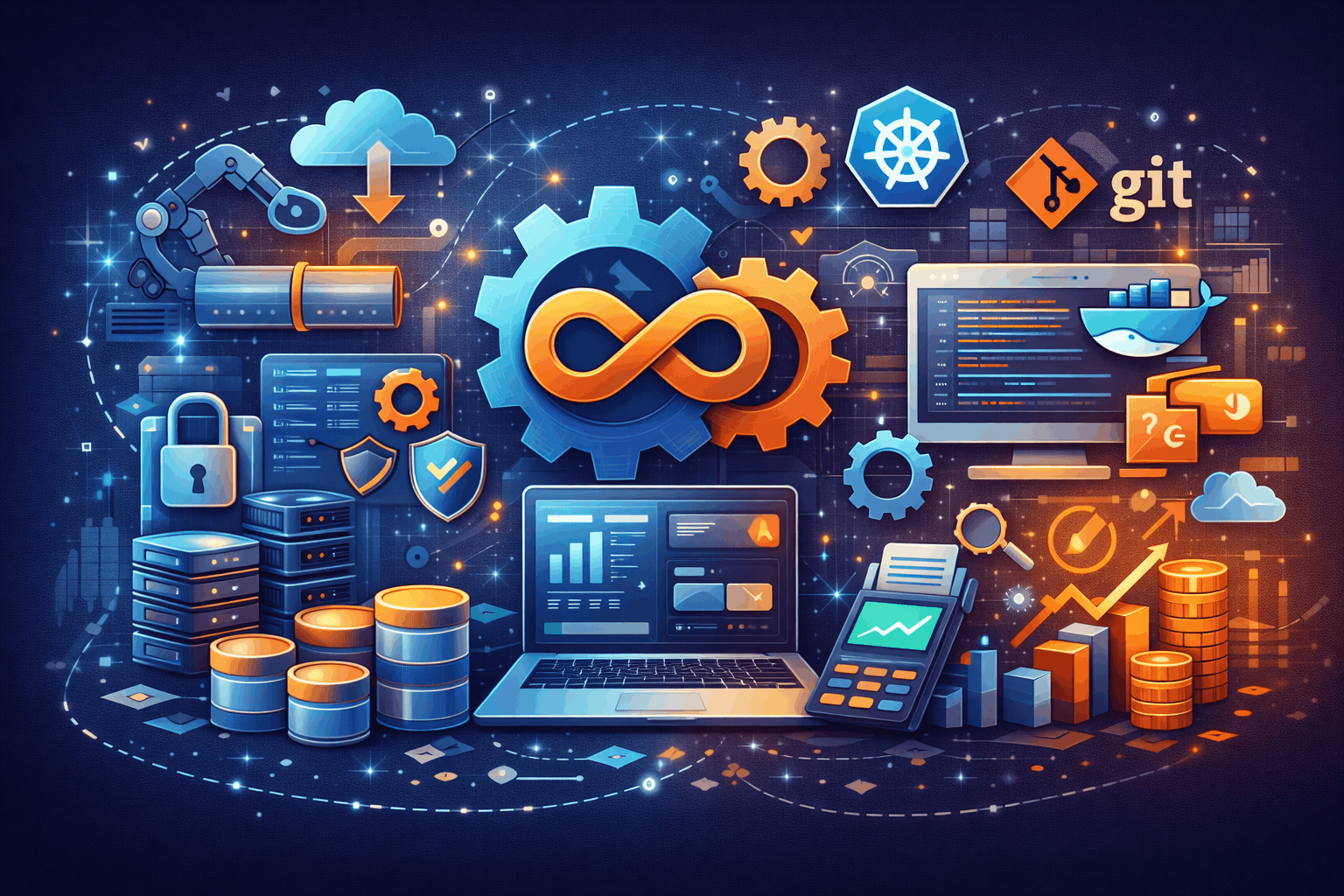
When implemented well, DevOps helps you:
- Release faster with automated build/test/deploy pipelines
- Reduce production failures with consistent environments and quality gates
- Recover quickly using monitoring, alerting, and rollback strategies
- Scale confidently with container orchestration and Infrastructure as Code
- Improve collaboration through shared ownership, visibility, and tooling
The tools you pick become your execution engine: they remove manual work, reduce inconsistencies, and keep delivery predictable.
Key DevOps Tools for Streamlined Development
Below are the must-have DevOps tools and technologies most teams use to build reliable pipelines and production-grade systems.
1) Git (and GitHub/GitLab/Bitbucket): Version Control for Team Collaboration
Git is the foundation of modern development. It provides version history, enables code reviews, supports branching strategies, and integrates cleanly with CI/CD pipelines.
Why it matters in DevOps
- Supports collaboration without overwriting work
- Enables pull requests + code review workflows
- Makes it easy to track changes, debug regressions, and roll back
Best practices
- Trunk-based development or GitFlow (depending on release style)
- Mandatory code reviews + protected branches
- Automated checks before merge (tests, linting, security scans)
2) Jenkins / GitHub Actions / GitLab CI: CI/CD Automation
CI/CD tools automate the process from code commit → tests → build → deployment. This is where DevOps delivers its biggest speed and reliability gains.
What CI/CD enables
- Automated unit/integration tests
- Build artifacts and versioned releases
- Safe deployments (staging → production)
- Rollbacks when health checks fail
When to choose what
- Jenkins: highly customizable, self-hosted, plugin ecosystem
- GitHub Actions: great for GitHub-centric teams, fast setup
- GitLab CI: strong all-in-one DevOps platform (repo + CI + security)
3) Docker: Containerization for Consistent Environments
Docker packages your application plus dependencies into containers—so it runs consistently across dev, QA, staging, and production.
Why teams love Docker
- Eliminates “works on my machine” issues
- Speeds up onboarding and local setup
- Makes deployments predictable and repeatable
Common use cases
- Microservices deployments
- Local dev environments
- Packaging apps for Kubernetes
4) Kubernetes: Container Orchestration at Scale
Kubernetes (K8s) automates container deployment, scaling, availability, and service networking. If you run multiple services or need high uptime, Kubernetes becomes a strong option.
What Kubernetes handles
- Auto-scaling based on CPU/memory/load
- Self-healing (restarts failed containers)
- Load balancing + service discovery
- Rollouts/rollbacks with deployment strategies
Best fit
- Microservices and multi-service architectures
- High availability requirements
- Teams needing standardized ops across environments
5) Ansible: Configuration Management & Automation
Ansible helps automate server setup, configuration changes, and repetitive operational tasks—using readable YAML playbooks and an agentless approach.
What you can automate
- Provisioning servers (users, packages, firewall, Nginx, SSL)
- App deployments and environment setup
- Repeatable configurations across multiple servers
Why it’s useful
- Faster, consistent infrastructure setup
- Fewer manual errors
- Easy to audit and version-control playbooks
6) Prometheus + Grafana: Monitoring, Metrics & Dashboards
Monitoring is essential for reliable DevOps. You can’t improve what you can’t measure.
- Prometheus collects time-series metrics and supports alerting.
- Grafana visualizes metrics via dashboards (service health, latency, error rates, CPU, memory, DB load, etc.).
What you get
- Real-time system and app visibility
- Early detection of failures
- Better incident response (with meaningful alerts)
Pro tip: Add alert routing (Slack/Email/PagerDuty) and define SLOs (service-level objectives) for smarter alerts.
Advanced DevOps Technologies for Future-Ready Teams
As teams mature, these tools help standardize infrastructure and manage complex microservices environments.
1) Terraform: Infrastructure as Code (IaC)
Terraform allows you to define infrastructure using code—networks, instances, databases, load balancers, IAM, and more.
Why Terraform matters
- Consistent infra across dev/staging/prod
- Faster provisioning and environment replication
- Safer changes via planning and state management
Common platforms
AWS, Google Cloud, Azure, DigitalOcean, and many others.
2) Istio: Service Mesh for Microservices
As microservices grow, service-to-service communication, security, and observability become harder. Istio provides a service mesh layer that manages this complexity.
Istio helps with
- mTLS between services (secure communication)
- Traffic routing (blue/green, canary releases)
- Observability (tracing, telemetry)
- Policy controls and service governance
Best fit
- Mature microservices platforms
- Teams needing deep traffic control and security
Benefits of Adopting DevOps Tools and Technologies
Using the right DevOps toolchain typically delivers:
- Faster deployments: automated pipelines reduce lead time
- Better collaboration: shared workflows and visibility reduce silos
- Higher quality: continuous testing catches issues earlier
- Reduced downtime: monitoring + rollbacks improve resilience
- Scalability: containers and IaC support growth without chaos
How to Choose the Right DevOps Tool Stack
Not every business needs every tool. A smart DevOps setup depends on your architecture, team size, release frequency, and uptime requirements.
A practical starting stack
- Git + GitHub/GitLab
- CI/CD (GitHub Actions / GitLab CI / Jenkins)
- Docker for packaging
- Monitoring with Prometheus + Grafana
- Basic automation using Ansible
When you typically add Kubernetes + Terraform
- Multiple services, higher traffic, stronger HA needs
- Frequent releases and environment replication needs
- Multi-region or multi-environment infrastructure growth
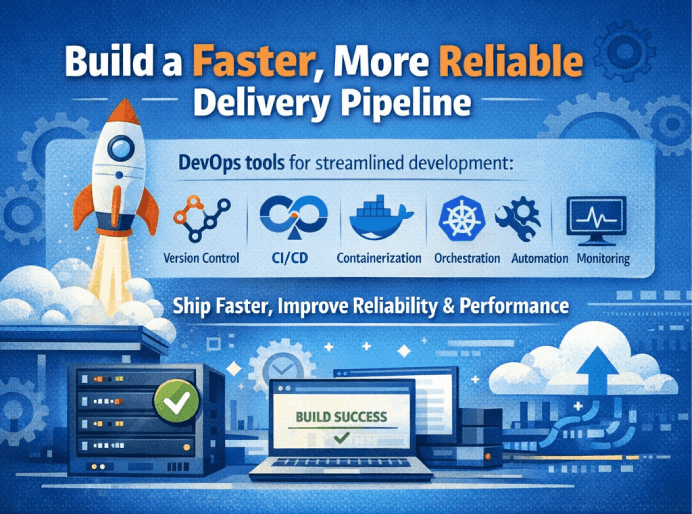
Conclusion: Build a Faster, More Reliable Delivery Pipeline
DevOps tools and technologies are the backbone of streamlined development. With the right stack—version control, CI/CD, containerization, orchestration, automation, and monitoring—you can ship faster while improving reliability and system performance.
If you want to implement DevOps properly (not just install tools), we can help you design and set up a production-grade pipeline—CI/CD, server automation, monitoring, alerts, scalable deployments, and best practices tailored to your product.
Want a DevOps Audit or Setup?
Talk to [Lumestea] to streamline your delivery process with modern DevOps practices and production-ready tooling.
Frequently Asked Questions
1) What key features should I consider for a fintech app?
1) What key features should I consider for a fintech app?
Secure onboarding, dashboard, transaction history, real-time alerts, support, and strong authentication/security are must-haves.
2) How do I ensure security and compliance?
Use encryption, MFA, secure APIs, audit logging, rate limiting, and security testing. Choose compliant vendors for KYC/payment integrations.
3) Do you provide post-launch maintenance and support?
Yes—maintenance is essential in fintech to keep the app stable, secure, and updated with market and compliance needs.